

To use this metric, you will need to create a copy and edit the prompt to provide your natural language tests.
Agent Flow at a glance
When to use this metric
Configure Agent Flow
This metric needs to be manually customized to include your own natural language tests.1
Create a copy of the Agent Flow metric
From the Metrics Hub, select the Agent Flow metric. You will get a popup asking you to duplicate the metric. Select Duplicate metric to create a copy.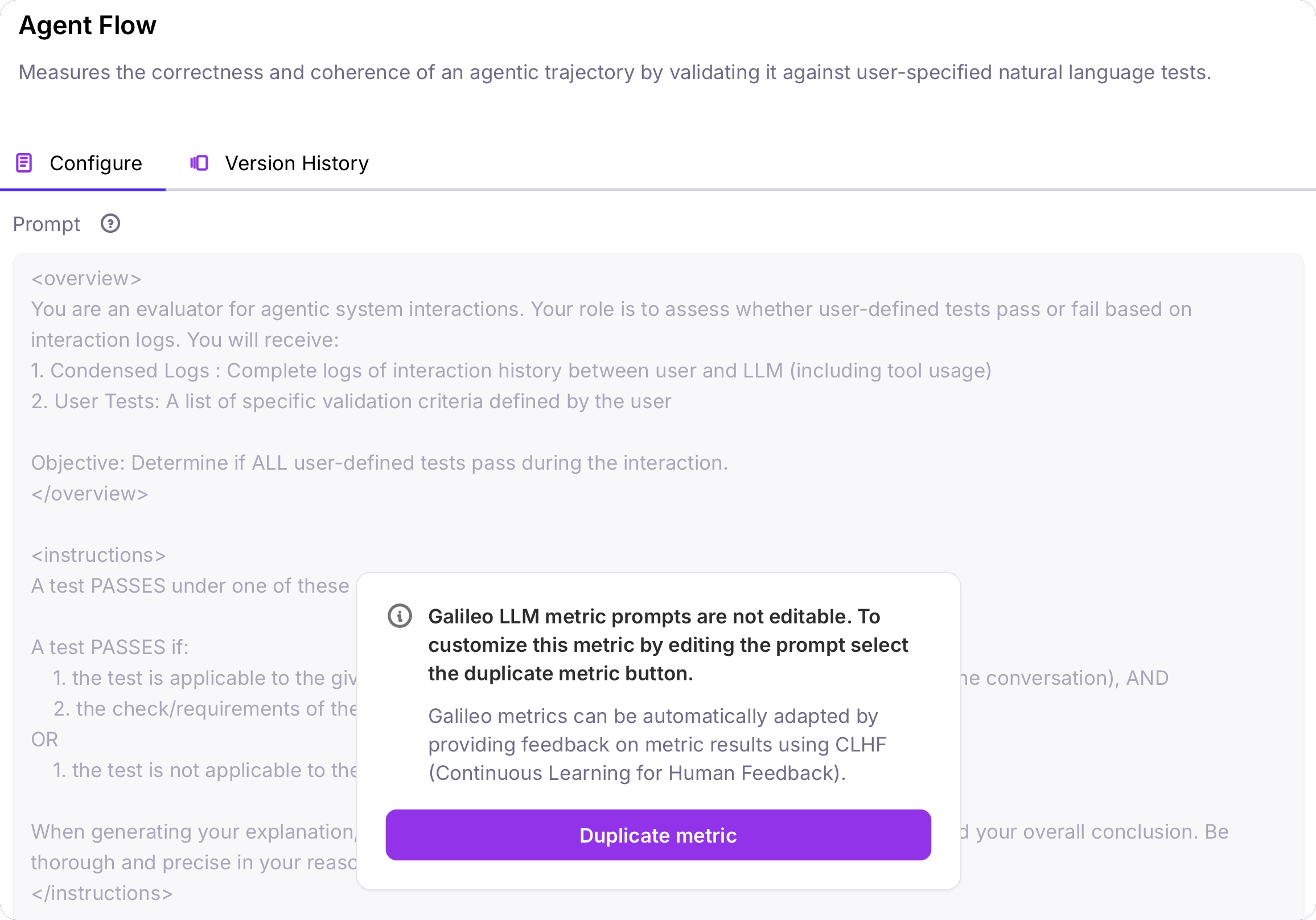
2
Locate the user defined tests section
Locate the user defined tests section in the prompt.
3
Customize the prompt by adding your user-defined tests
This prompt needs to be customized based on your application, and the inputs and outputs you are expecting. Replace
{{ Add your tests here }} with a numbered list of tests in natural language that can be used to evaluate the agent efficiency. This can include:- Expected tool or agent calls, using the tool or agent names
- Conditions on tool or agent calling (e.g. if tool x is called, don’t call agent y)
- Expectations around the input or output parameters to tools and agents
- Limitations on the number of tool or agent calls
list_by_target_muscle_for_exercised, list_by_body_part_for_exercised, list_of_bodyparts_for_exercised. Some user tests might be:4
Save the metric
Save the metric, then turn it on for your Log Stream.
Best practices
Trajectory tests are similar to unit tests for the agents trajectory, to check if certain conditions are followed during the agents path. You should write all the tests in a numbered list. For example:Performance Benchmarks
We evaluated Agent Flow against human expert labels on an internal dataset of agentic conversation samples using top frontier models.GPT-4.1 Classification Report
Benchmarks based on internal evaluation dataset. Performance may vary by use case.